

Debugging shouldn’t be a scavenger hunt.
When things break in production or behave unexpectedly in development, you don’t have time to dig through vague error messages or guess what went wrong.
That’s why logging is one of the most critical — but often neglected — parts of building robust applications.
With EasyLaunchpad .netcore boilerplate, logging is not an afterthought.
We’ve integrated Serilog, a powerful and structured logging framework for .NET, directly into the boilerplate so developers can monitor, debug, and optimize their apps from day one.
In this post, we’ll explain how Serilog is implemented inside the EasyLaunchpad .netcore boilerplate, why it’s a developer favorite, and how it helps you launch smarter and maintain easier.
🧠 Why Logging Matters (Especially in Startups)
Whether you’re launching a SaaS MVP or maintaining a production application, logs are your eyes and ears:
Track user behavior
Monitor background job status
Catch and analyze errors
Identify bottlenecks or API failures
Verify security rules and access patterns
With traditional boilerplates, you often need to configure and wire this up yourself. But EasyLaunchpad .netcore boilerplate comes preloaded with structured, scalable logging using Serilog, so you’re ready to go from the first line of code.
🔧 What Is Serilog?
Serilog is one of the most popular logging libraries for .NET Core. Unlike basic logging tools that write unstructured plain-text logs, Serilog generates structured logs — which are easier to search, filter, and analyze in any environment.
It supports:
JSON log output
File, Console, or external sinks (like Seq, Elasticsearch, Datadog)
Custom formats and enrichers
Log levels: Information, Warning, Error, Fatal, and more
Serilog is lightweight, flexible, and production-proven — ideal for modern web apps like those built with EasyLaunchpad .netcore boilerplate.
🚀 How Serilog Is Integrated in EasyLaunchpad .netcore boilerplate
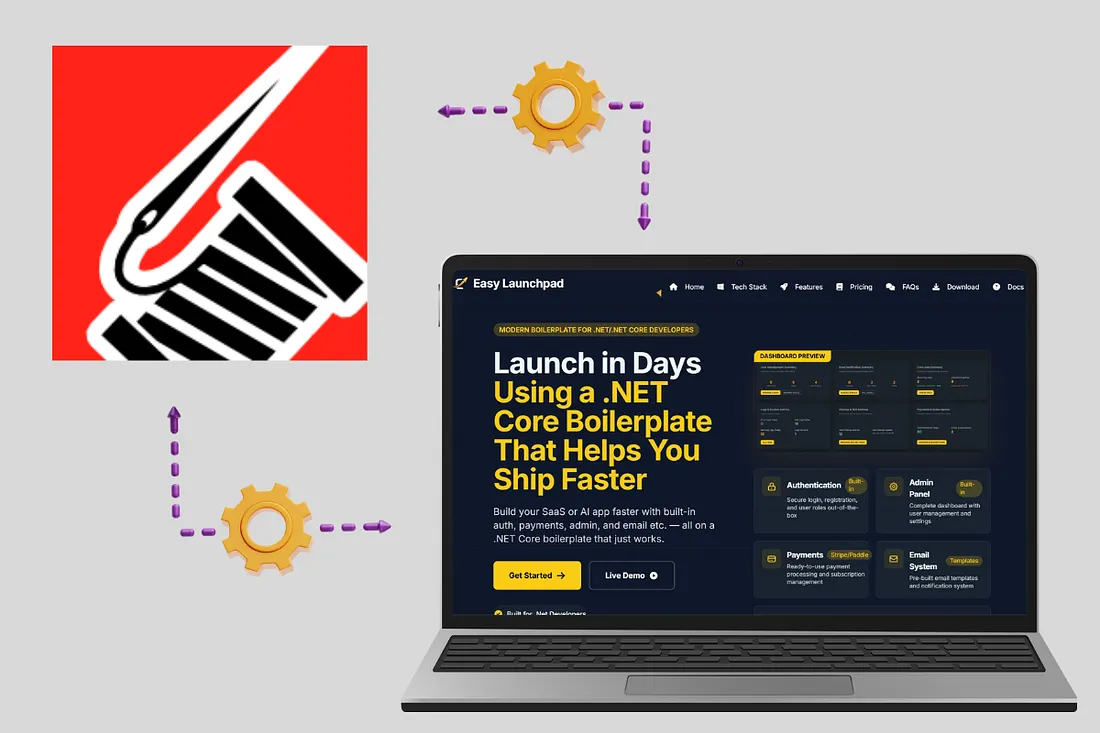
When you start your EasyLaunchpad .netcore boilerplate-based project, Serilog is already:
Installed via NuGet
Configured via appsettings.json
Injected into the middleware pipeline
Wired into all key services (auth, jobs, payments, etc.)
🔁 Configuration Example (appsettings.json):
“Serilog”: {
“MinimumLevel”: {
“Default”: “Information”,
“Override”: {
“Microsoft”: “Warning”,
“System”: “Warning”
}
},
“WriteTo”: [
{ “Name”: “Console” },
{
“Name”: “File”,
“Args”: {
“path”: “Logs/log-.txt”,
“rollingInterval”: “Day”
}
}
]
}
This setup gives you daily rotating log files, plus real-time console logs for development mode.
🛠 How It Helps Developers
✅ 1. Real-Time Debugging
During development, logs are streamed to the console. You’ll see:
Request details
Controller actions triggered
Background job execution
Custom messages from your services
This means you can debug without hitting breakpoints or printing Console.WriteLine().
✅ 2. Structured Production Logs
In production, logs are saved to disk in a structured format. You can:
Tail them from the server
Upload them to a logging platform (Seq, Datadog, ELK stack)
Automatically parse fields like timestamp, level, message, exception, etc.
This gives predictable, machine-readable logging — critical for scalable monitoring.
✅ 3. Easy Integration with Background Jobs
EasyLaunchpad .netcore boilerplate uses Hangfire for background job scheduling.
Serilog is integrated into:
Job execution logging
Retry and failure logs
Email queue status
Error capturing
No more “silent fails” in background processes — every action is traceable.
✅ 4. Enhanced API Logging (Optional Extension)
You can easily extend the logging to:
Log request/response for APIs
Add correlation IDs
Track user activity (e.g., login attempts, failed validations)
The modular architecture allows you to inject loggers into any service or controller via constructor injection.
🔍 Sample Log Output
Here’s a typical log entry generated by Serilog in EasyLaunchpad .netcore boilerplate:
{
“Timestamp”: “2024–07–10T08:33:21.123Z”,
“Level”: “Information”,
“Message”: “User {UserId} logged in successfully.”,
“UserId”: “5dc95f1f-2cc2–4f8a-ae1b-1d29f2aa387a”
}
This is not just human-readable — it’s machine-queryable.
You can filter logs by UserId, Level, or Timestamp using modern logging dashboards or scripts.
🧱 A Developer-Friendly Logging Foundation
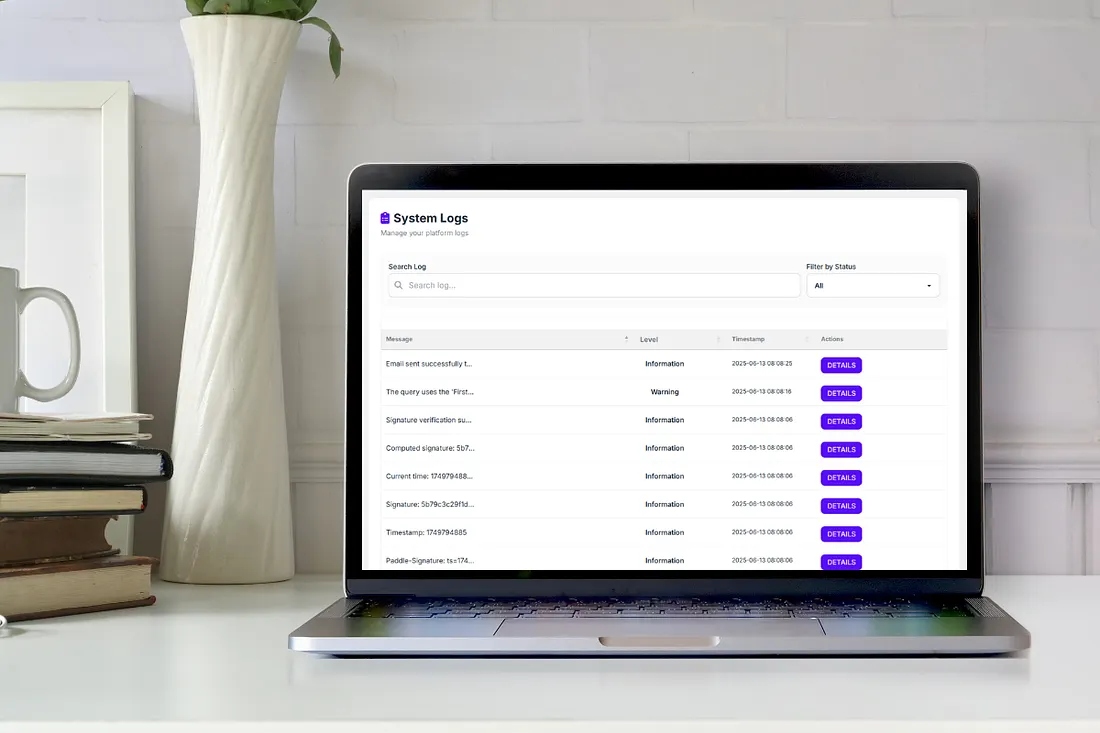
Unlike minimal templates, where you have to integrate logging yourself, the EasyLaunchpad .netcore boilerplate is:
Ready-to-use from first launch
Customizable for your own needs
Extendable with any Serilog sink (e.g., database, cloud services, Elasticsearch)
This means you spend less time configuring and more time building and scaling.
🧩 Built-In + Extendable
You can add additional log sinks in minutes:
Log.Logger = new LoggerConfiguration()
.WriteTo.Console()
.WriteTo.File(“Logs/log.txt”)
.WriteTo.Seq(“http://localhost:5341")
.CreateLogger();
Want to log in to:
Azure App Insights?
AWS CloudWatch?
A custom microservice?
Serilog makes it possible, and EasyLaunchpad .netcore boilerplate makes it easy to start.
💼 Real-World Scenarios
Here are some real ways logging helps EasyLaunchpad .netcore boilerplate-based apps:
Use Case and the Benefit
Login attempts — Audit user activity and failed attempts
Payment errors- Track Stripe/Paddle API errors
Email queue- Debug failed or delayed emails
Role assignment- Log admin actions for compliance
Cron jobs- Monitor background jobs in real-time
🧠 Final Thoughts
You can’t fix what you can’t see.
Whether you’re launching an MVP or running a growing SaaS platform, structured logging gives you visibility, traceability, and peace of mind.
EasyLaunchpad .netcore boilerplate integrates Serilog from day one — so you’re never flying blind. You get a clean, scalable logging system with zero setup required.
No more guesswork. Just clarity.
👉 Start building with confidence.
Check out EasyLaunchpad .netcore boilerplate at https://easylaunchpad.com and see how production-ready logging fits into your stack.


Share this article